
Pristone Audio Plugins
Reference matching tools for mixing and mastering.
FAQs
What do I need?
1
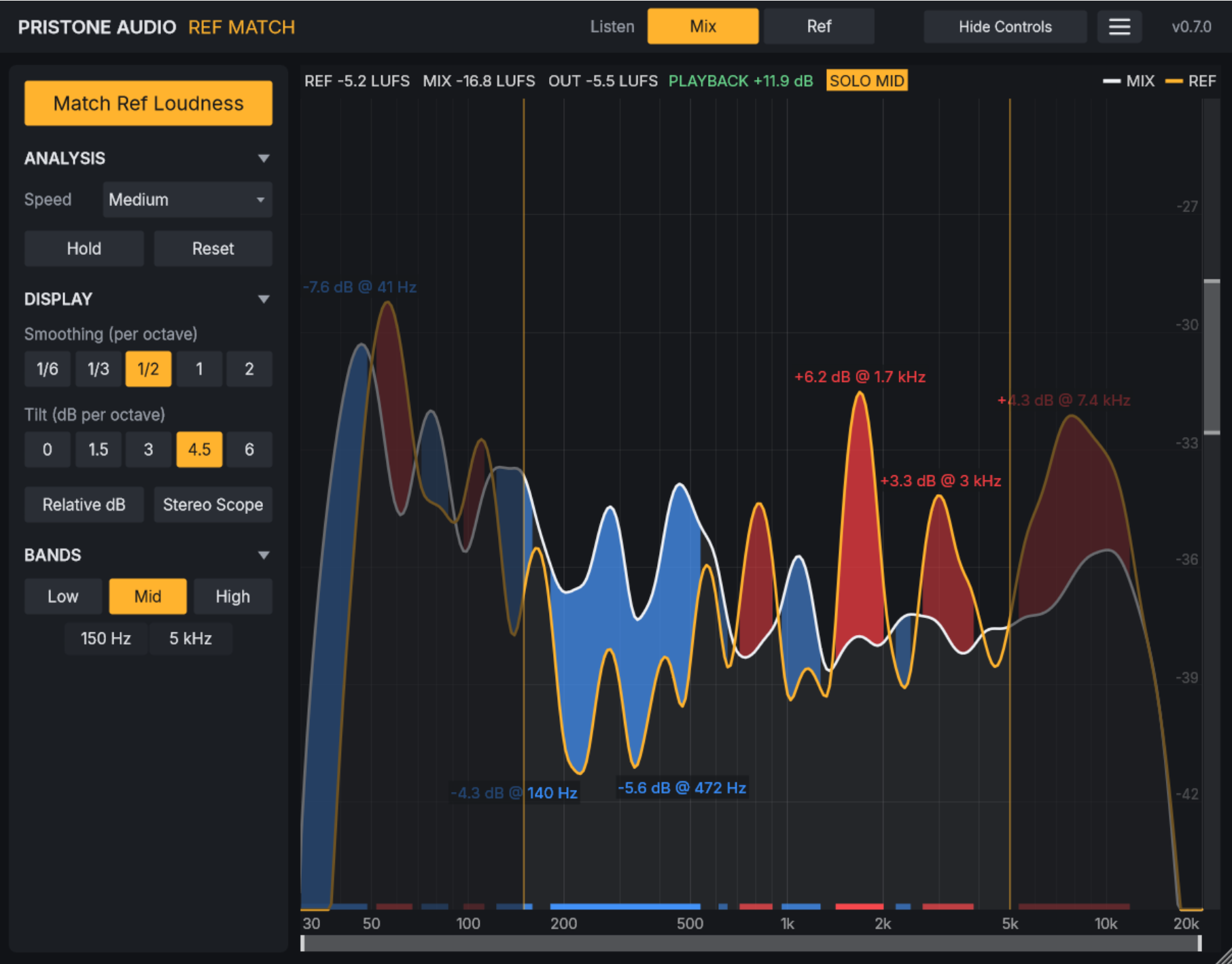
RefMatch runs on macOS 11 or later (Apple Silicon and Intel) as a VST3 or AU plugin in any DAW, plus a standalone app. RefMatch Lite needs Ableton Live with Max for Live. A Windows version is coming soon, free for existing customers.
How do I activate RefMatch?
2
Open RefMatch and enter the email and order number from your receipt. Activate once on each of your computers. Your license works offline and on all your machines, no iLok needed. RefMatch Lite doesn't need activation.
RefMatch or RefMatch Lite?
3
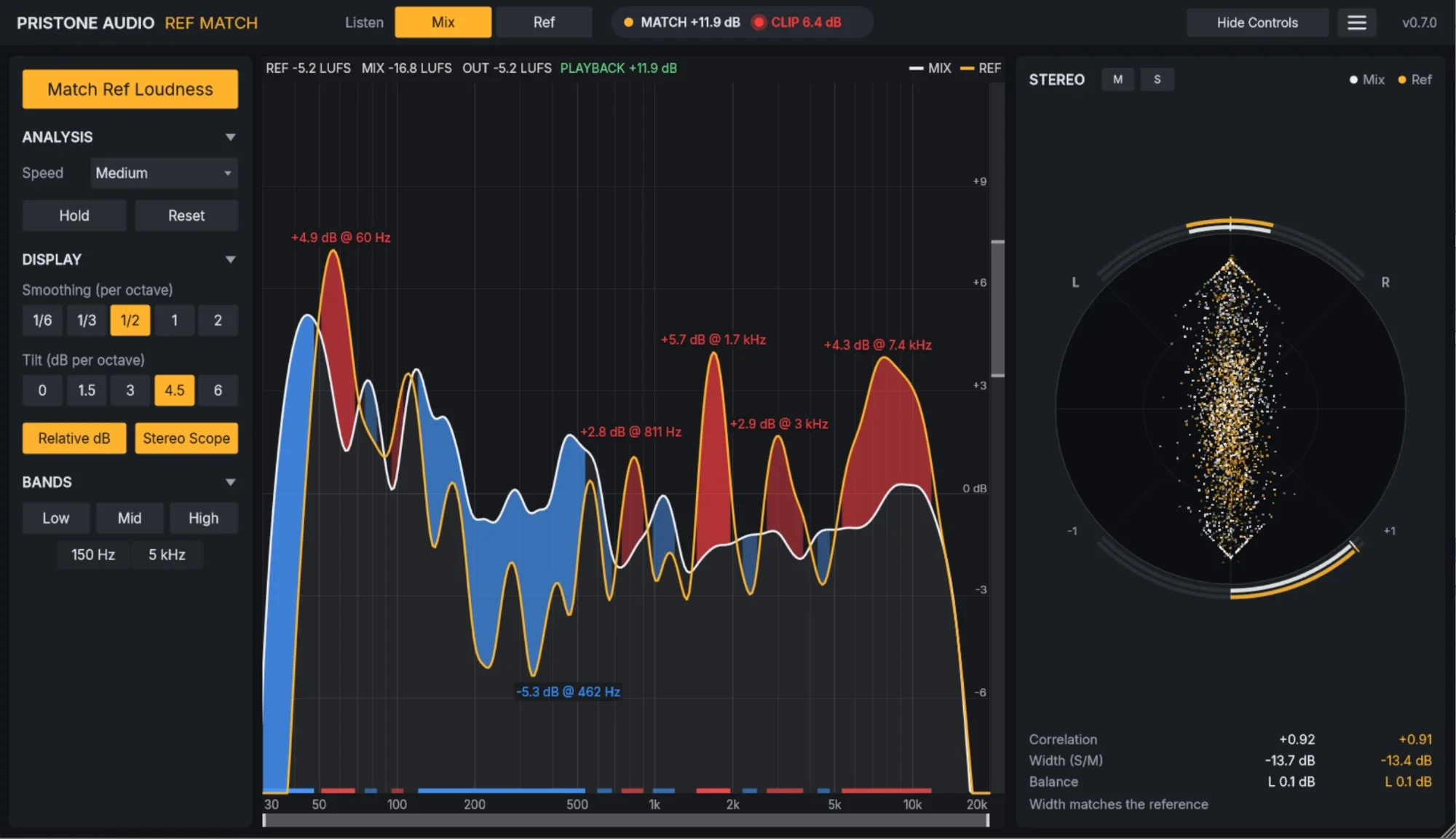
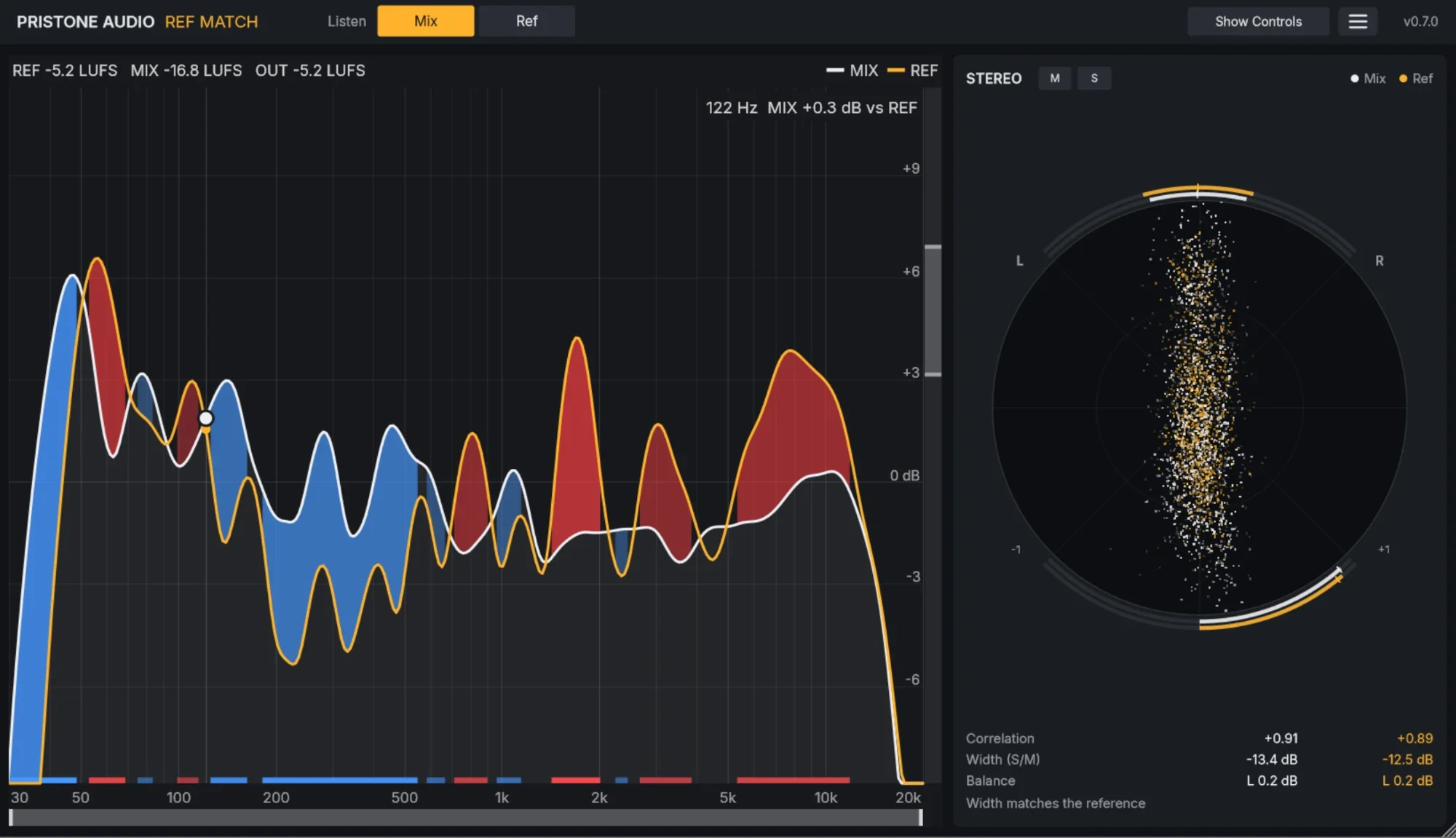
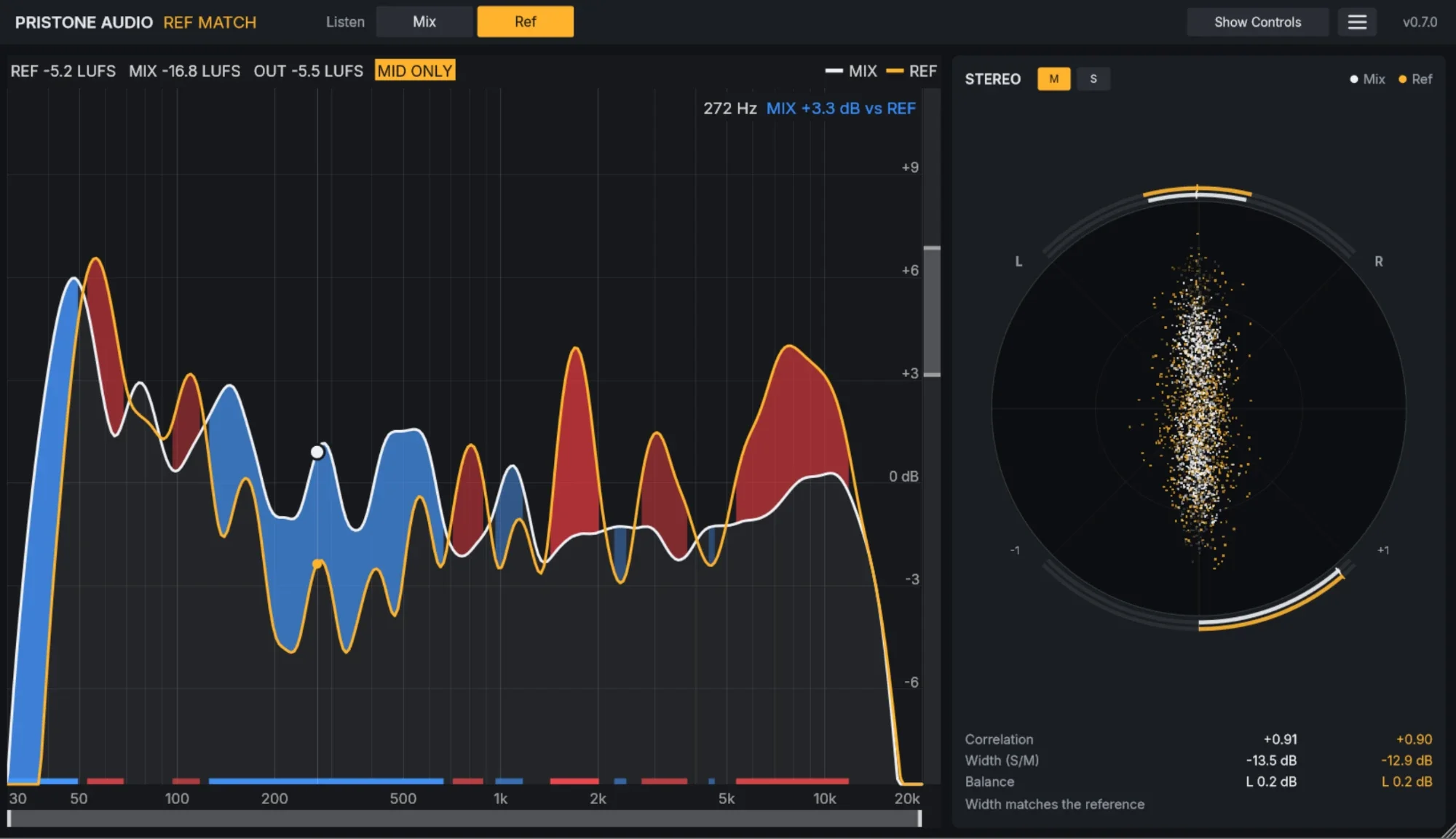
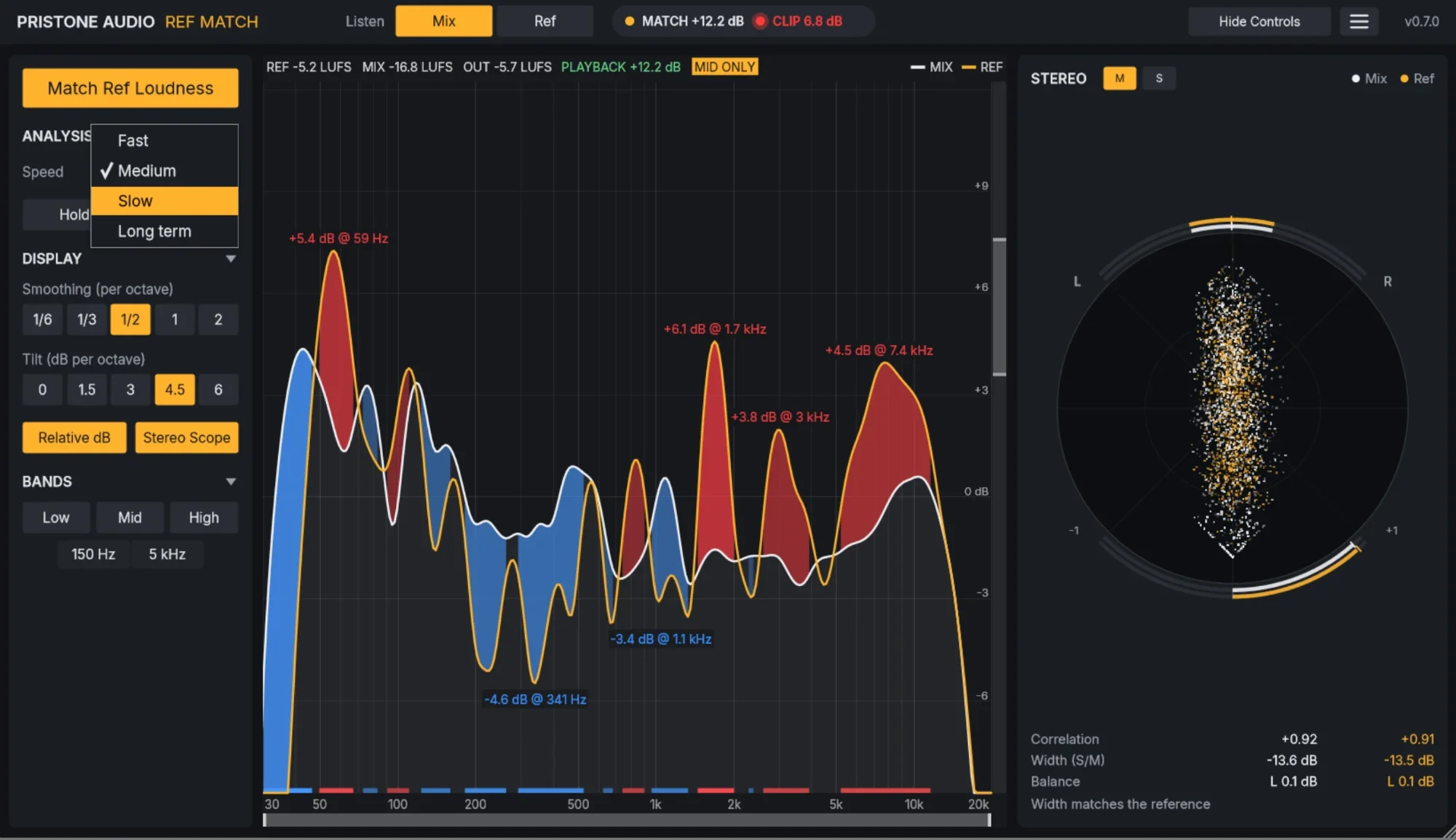
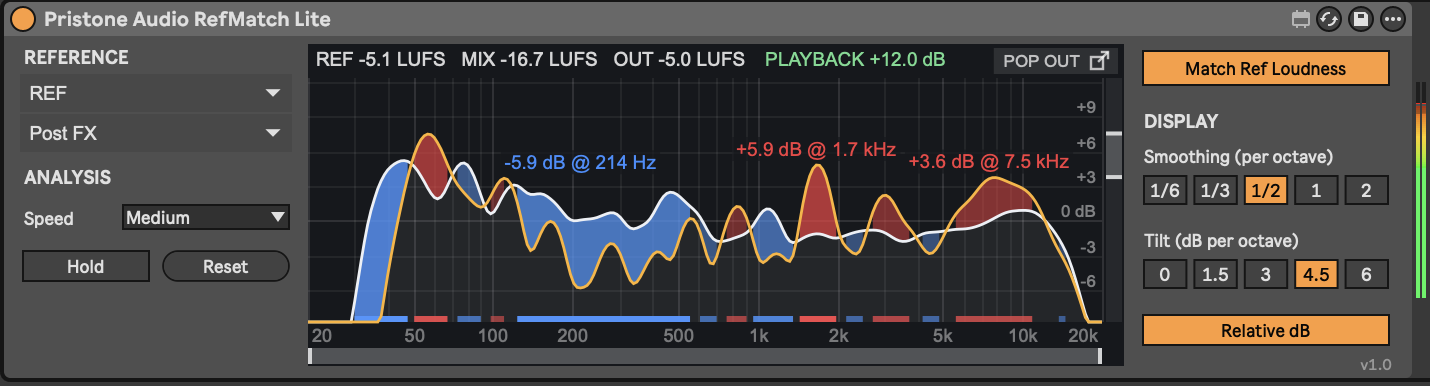
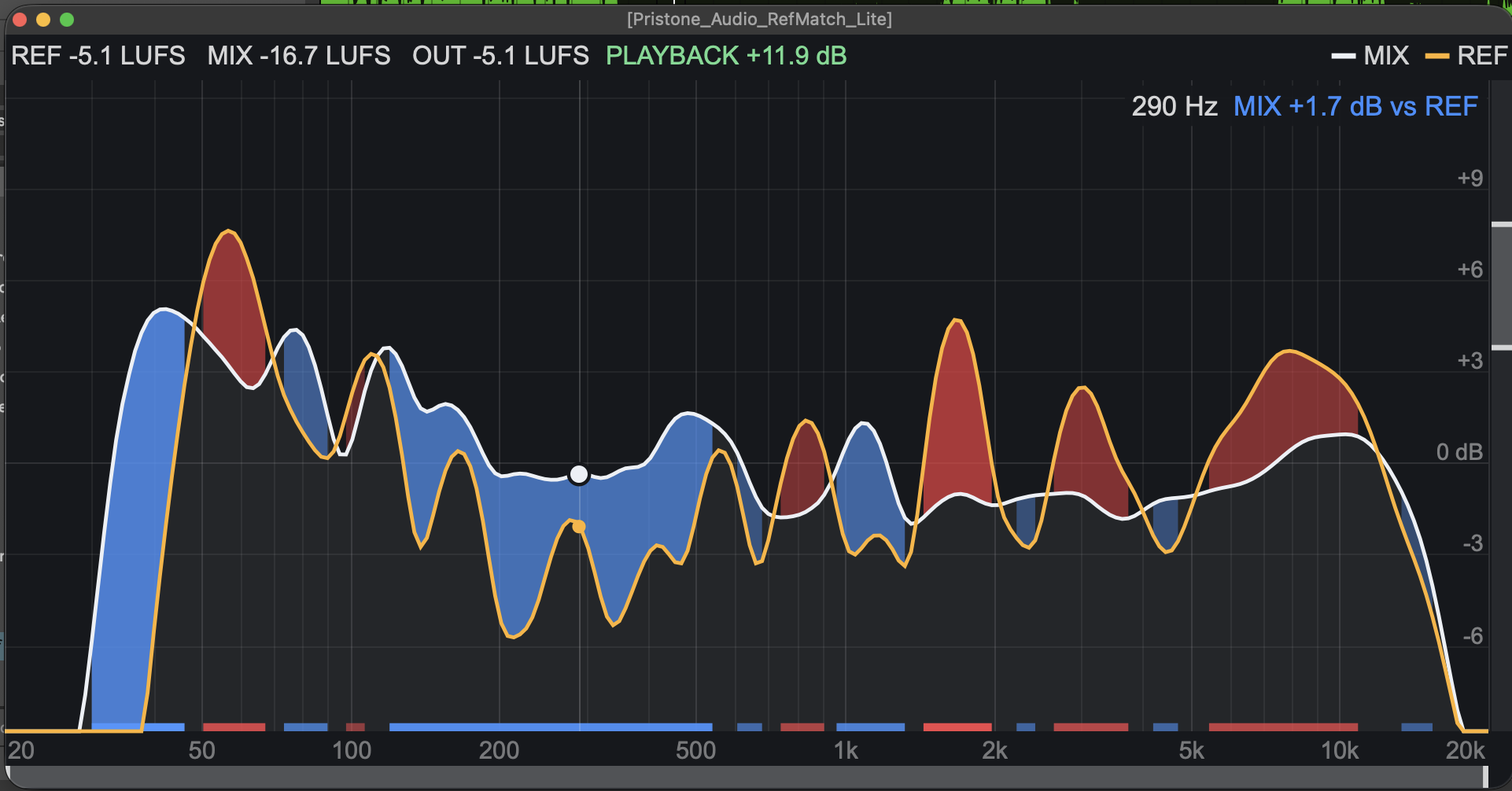
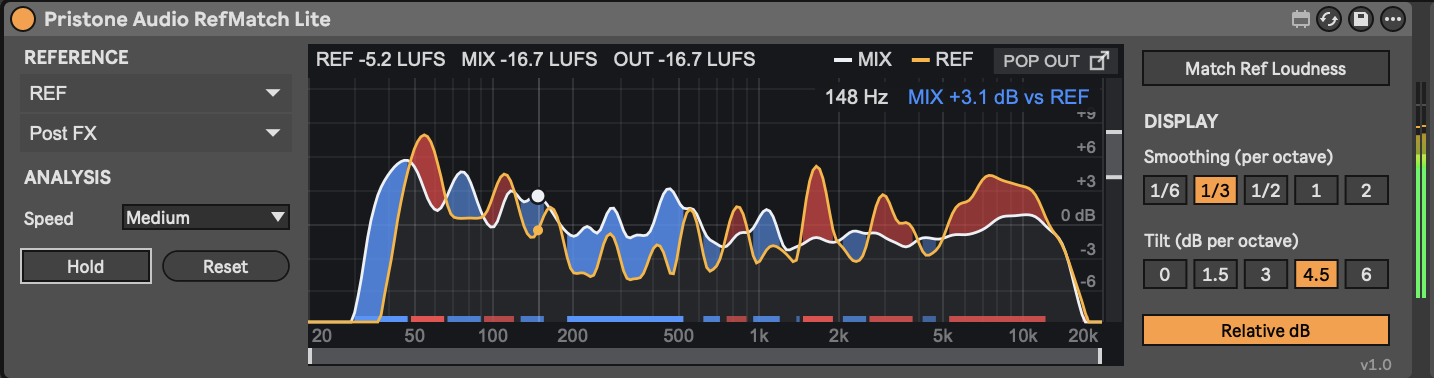
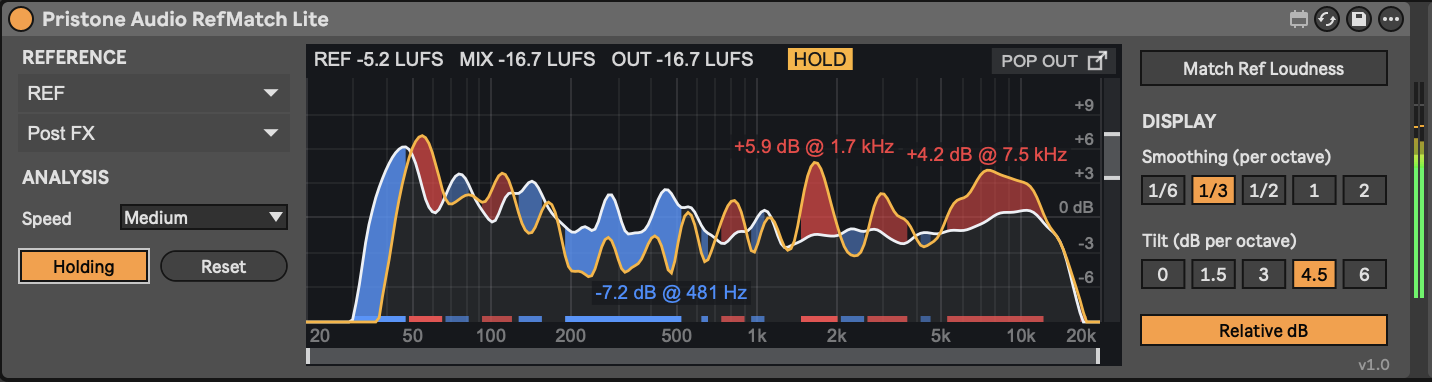
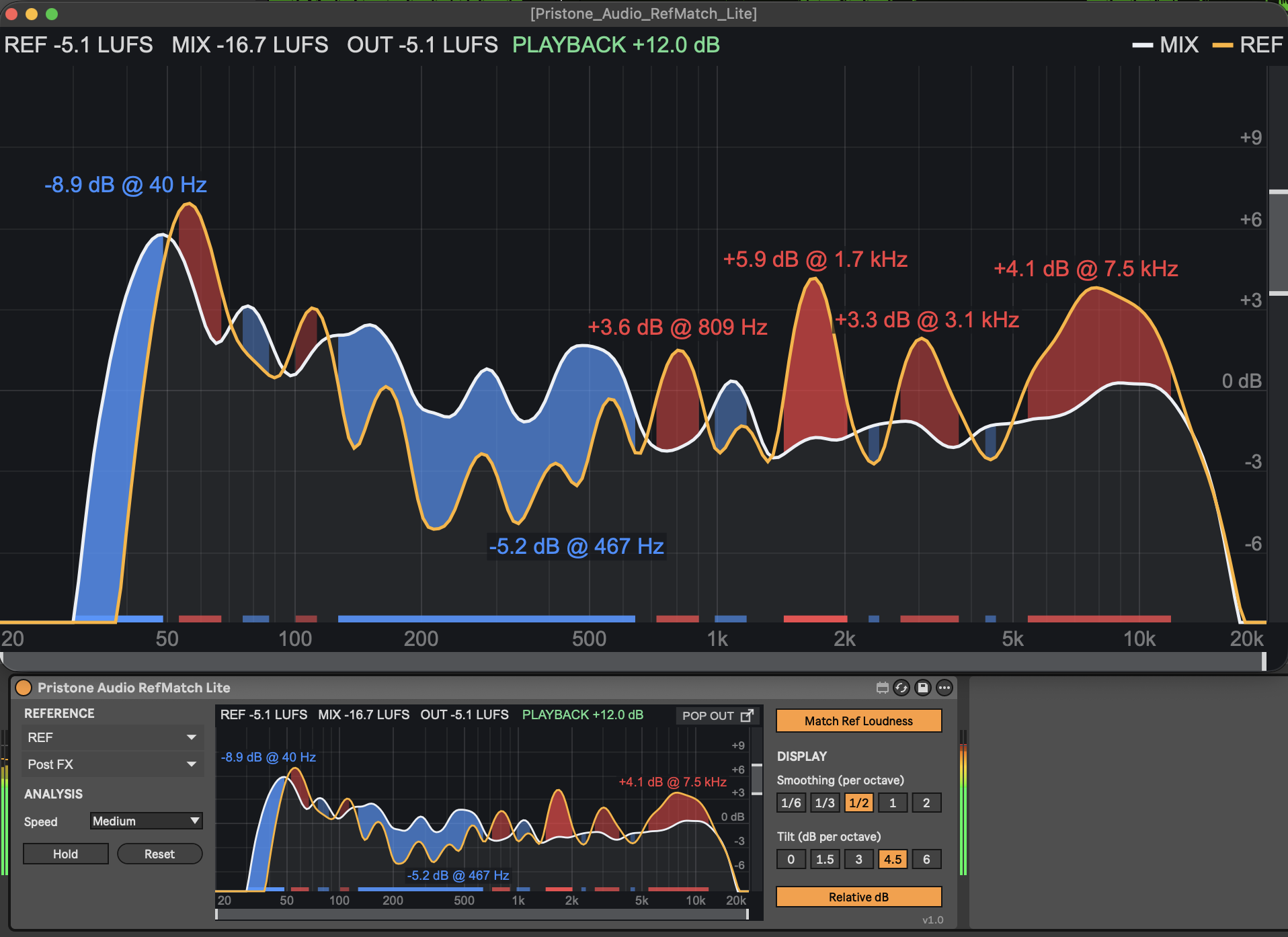
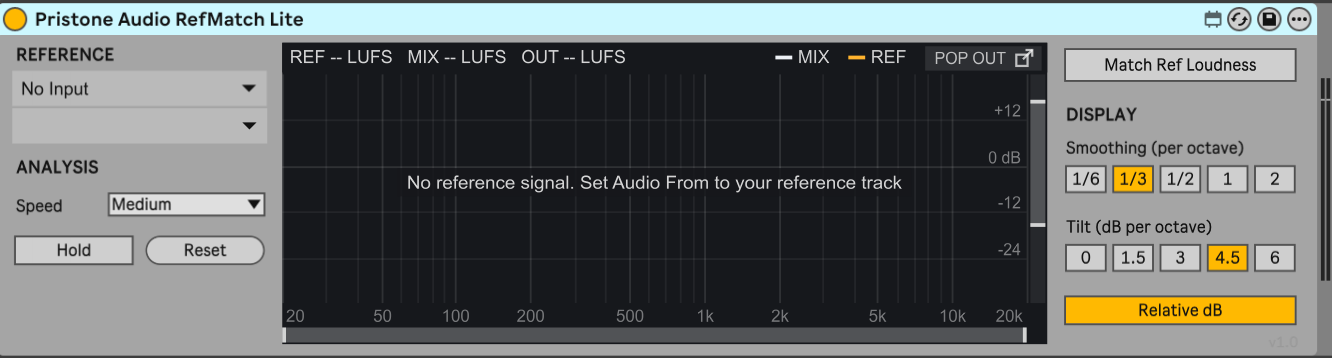
RefMatch is the full plugin for any DAW, with Mix/Ref listening, band and mid/side solo, and a stereo scope. RefMatch Lite is a Max for Live device for Ableton Live with the core spectrum match and loudness matching. Buy RefMatch and you get Lite free.
How do I get my download?
4
Right after checkout you'll see a download button, and we email you a download link. Download on your computer (on your phone? just open the email later on your Mac). If a link expires, a fresh one is emailed to you automatically. Questions? Use the form below.